Smooth zooms
Click anywhere on the timeline to zoom in. Chained zooms ease into one another instead of bouncing back to neutral.
Record a screen, drop in zooms and annotations, narrate with on-device AI, and export. All on your Mac.
Download for macOS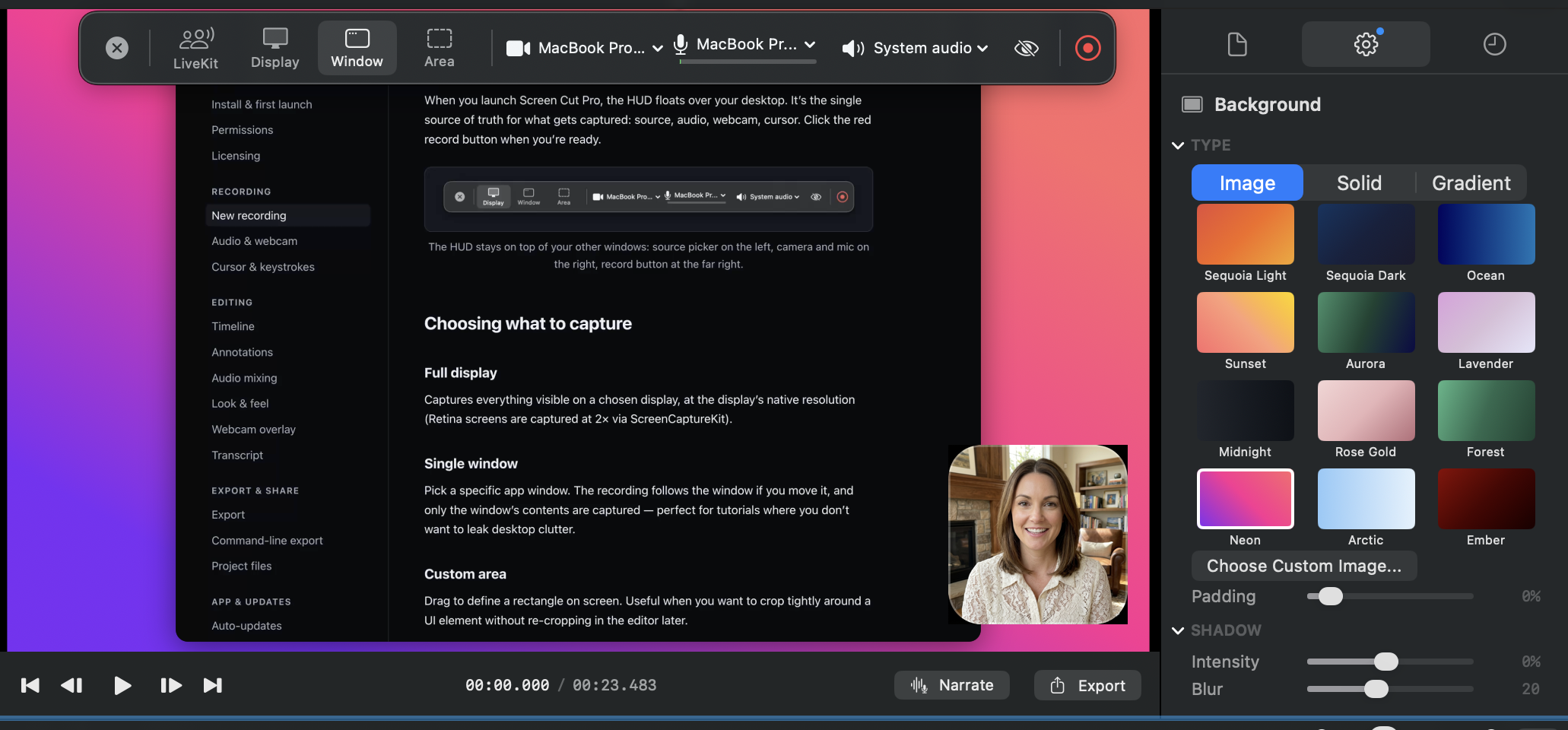
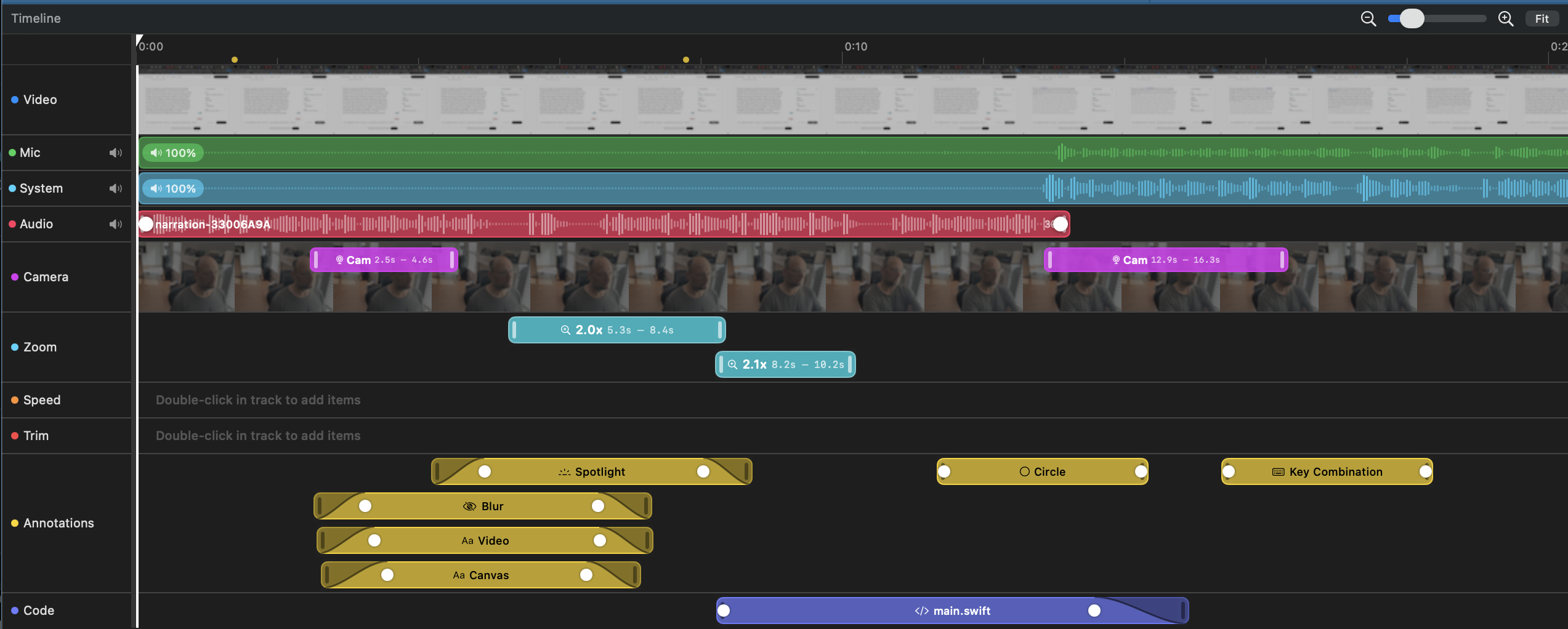
Click anywhere on the timeline to zoom in. Chained zooms ease into one another instead of bouncing back to neutral.
Type a script, pick a voice (or clone your own), and Screen Cut Pro generates the narration on-device.
Drop in a snippet, choose a theme, and get a realistic on-screen typing animation with sound effects.
Text, arrows, shapes, blur, and spotlights stack with explicit z-order. Pin them to the canvas or to the recorded video so they ride along with zooms.
Music politely steps aside when you talk. Mic captures speaker bleed? Duck the bleed away with one toggle.
Plug in any iPhone or iPad and capture its screen as a recording source — full UI, audio, portrait aspect.
Connect to a LiveKit room as an observer and capture each participant's video and audio to its own file. Built for AI-agent recording without a cloud egress middleman.
macOS 14 or later, Apple Silicon recommended.
Download for macOSSigned and notarized by Apple. After download, drag Screen Cut Pro to your Applications folder.