Audio & webcam
Set up microphone, system audio, and webcam capture before you hit record. Each is independent — you can mix and match.
Microphone
Pick a mic from the dropdown in the HUD. Built-in, AirPods, USB — anything macOS recognizes will appear. Audio is encoded as AAC during recording with automatic gain boost for soft sources, so a quiet built-in mic is usable out of the box.
The level meter on the HUD lights up while you talk. If it stays grey, mic permission isn’t granted — see Permissions.
System audio
System audio captures the sound that comes out of your Mac — music, notifications, video calls. Toggle it on the HUD; no virtual driver installation required (Screen Cut Pro uses the native ScreenCaptureKit audio path on macOS 14+).
Microphone and system audio are recorded as separate tracks, so you can independently adjust their volume in the editor without re-recording.
Webcam
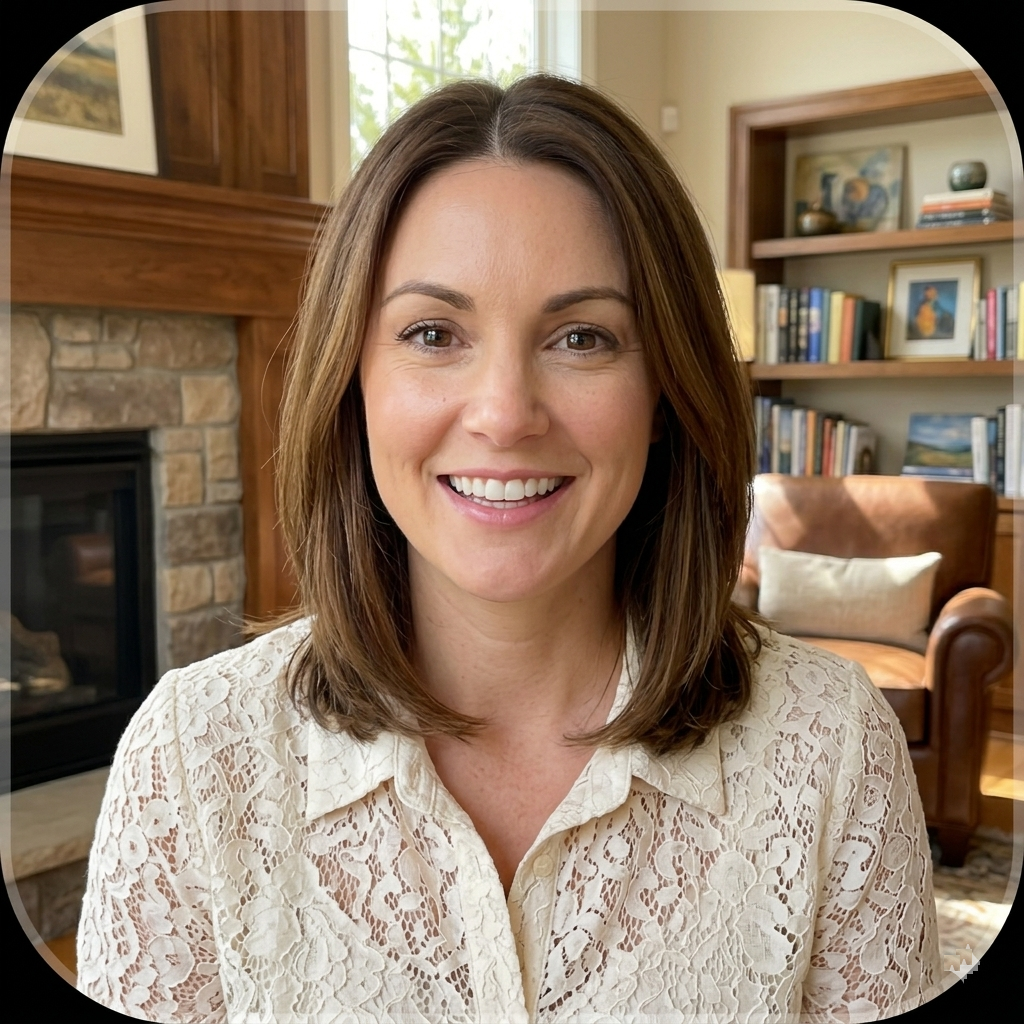
Pick a camera from the dropdown. The webcam is recorded at 720p HD as a separate file from the screen capture, which lets you reposition, keyframe, or resize the overlay in the editor without re-recording.
Background-removal & voice filters
Optional post-processing filters can be applied to the webcam track and voice narration after recording. They run on-device using Core ML, so nothing leaves your Mac. Configure them per project from the editor’s inspector.